Compose HotSwan Blog
Why Your Android Build Takes So Long for a One Line Change

April 16, 2026 · 12 min read

Photo by tinkerman @ Unsplash
Every Android developer has had this moment: you change a single color value, hit save, and wait. And wait. The progress bar crawls through task after task. Five seconds pass. Ten. Sometimes thirty. For a one line change. The frustration is universal, but the root cause is rarely understood. Most developers treat the build system as a black box. Code goes in, APK comes out, and the time in between is just something you endure.
In this article, you will trace the full path your one line edit takes from source file to running pixels on a device. You will explore Gradle's task graph and how it decides what needs to run, the Kotlin compilation pipeline and its incremental boundaries, annotation processing with KAPT and KSP, the dexing stage where JVM bytecode becomes Android bytecode, resource compilation through AAPT2, and the final packaging and installation steps. At each stage, you will see where time actually goes, what is truly incremental, and what forces the build system to start over.
The Fundamental Problem: Every Stage Depends on the One Before It
Before diving into each stage, it helps to see the full pipeline as a single chain. When you change a Kotlin file, the build system must:
- Detect which files changed.
- Run annotation processors (KAPT/KSP) if any generated code depends on the change.
- Compile the changed Kotlin files (and any files that depend on them).
- Compile any generated Java sources.
- Convert the resulting JVM bytecode to DEX format.
- Merge the DEX files with unchanged DEX from other modules.
- Package everything into an APK.
- Install the APK on the device.
- Launch the app and navigate back to the screen you were working on.
Each step must finish before the next can begin. This is not a design flaw. It is the nature of compilation: you cannot dex bytecode that has not been compiled, and you cannot package DEX that has not been merged. The total build time is the sum of every step in this chain.
The question is not "why does each step take time" but "why does every step run when only one line changed?"
Gradle's Task Graph: What Runs and Why
Gradle does not execute a flat list of tasks. It builds a directed acyclic graph (DAG) of tasks, then executes only the tasks whose inputs have changed. This is Gradle's up to date checking mechanism, and it is the first layer of incrementality in the build.
When you run assembleDebug, Gradle resolves the full task graph. For a single module project, this is around 40 to 60 tasks. For a multi module project with 10 feature modules, it can be over 300. Gradle evaluates each task's inputs and outputs. If the inputs have not changed since the last successful execution, the task is marked UP-TO-DATE and skipped.
This sounds efficient, and it is, for certain types of changes. If you change a resource value in strings.xml, only the resource tasks and everything downstream need to run. If you change a Kotlin file, only compilation and everything downstream runs.
The problem is "everything downstream." In the Android build pipeline, downstream of Kotlin compilation includes dexing, merging, packaging, and installation. Even with perfect incrementality in the compiler, you still pay the cost of all subsequent stages.
Configuration time vs execution time
There is a cost that many developers overlook: Gradle's configuration phase. Before any task runs, Gradle must evaluate every build.gradle.kts file in the project, resolve all plugins, and construct the task graph. For a fresh build without configuration cache, this can take 5 to 15 seconds on a large project.
The configuration cache, introduced in Gradle 6.6 and stabilized in recent versions, serializes the task graph after the first build and reuses it on subsequent builds. This reduces configuration time to near zero for incremental builds. If your project does not use configuration cache, you are paying this cost on every build.
Kotlin Compilation: Where Incrementality Gets Complicated
The Kotlin compiler supports incremental compilation. When you change a single file, the compiler tries to recompile only that file and any files that depend on it. This is the second layer of incrementality.
The key concept is the dependency graph between source files. If Screen.kt calls a function defined in Utils.kt, then Screen.kt depends on Utils.kt. If you change the body of a function in Utils.kt without changing its signature, only Utils.kt needs to be recompiled. But if you change the function's return type, Screen.kt must be recompiled too, because it depends on that signature.
ABI changes vs implementation changes
The Kotlin compiler distinguishes between two types of changes:
- ABI (Application Binary Interface) changes. Changes to public or internal signatures (function signatures, class hierarchies, public property types). These invalidate all files that reference the changed declaration.
- Implementation changes. Changes inside function bodies, private members, or local variables. These only invalidate the file that changed.
Changing Color.Red to Color.Blue inside a composable function body is an implementation change. Only that single file is recompiled. Adding a new parameter to a public function is an ABI change. Every file that calls that function must be recompiled.
The multi module boundary
Kotlin's incremental compilation operates within a single Gradle module. When you change a file in :core:model, the Kotlin compiler knows exactly which files within that module are affected. But for modules that depend on :core:model (like :feature:home), Gradle must check whether the compiled output changed at the binary level.
This is why module structure matters for build performance. The more modules depend on a shared module, the more compilation work cascades from a single ABI change in that shared module.
Annotation Processing: KAPT vs KSP
Annotation processing is one of the most expensive steps in the Android build. Libraries like Dagger/Hilt, Room, and Moshi use annotation processors to generate code at compile time.
KAPT (Kotlin Annotation Processing Tool)
KAPT works by generating Java stubs from your Kotlin code, then running standard Java annotation processors against those stubs. The stub generation step is inherently expensive: the compiler must analyze all Kotlin files in the module and produce Java source files that preserve the public API.
The problem with KAPT's incrementality is that stub generation is all or nothing for many cases. If any file in the module changes in a way that affects the generated stubs, all stubs are regenerated, and all annotation processors run from scratch.
KSP (Kotlin Symbol Processing)
KSP processes Kotlin code directly without generating Java stubs. It operates on the Kotlin compiler's symbol table, which makes it both faster and more incremental than KAPT. When a single file changes, KSP can determine exactly which processors need to rerun based on the symbols they requested.
The migration from KAPT to KSP can cut annotation processing time by 50% or more, depending on how many processors your project uses. If your build still uses KAPT, this is likely the single highest impact change you can make for build performance.
Dexing: From JVM Bytecode to Android Bytecode
After compilation produces .class files, the Android build toolchain converts them to DEX format. The JVM and Android Runtime (ART) use different bytecode formats, so every class must be transformed.
The D8 compiler handles this transformation. D8 supports incremental dexing: it can re-dex only the classes that changed, producing individual DEX files per class. The dexBuilderDebug task handles per class dexing and maintains a cache of previously dexed classes. For a single file change, this typically means dexing one to five classes.
The mergeProjectDexDebug task combines all individual DEX files into the final classes.dex files for the APK. This step must run even when only one class changed, but it uses incremental merging.
For release builds, R8 replaces both D8 and ProGuard, performing dexing, desugaring, shrinking, and optimization in a single pass. R8 is not incremental. It must process all classes together because it performs whole program optimization. This is why release builds take significantly longer than debug builds.
Resource Compilation: AAPT2
Android resources (layouts, strings, colors, drawables) are compiled by AAPT2 into a binary format. AAPT2 supports incremental compilation: it compiles each resource file independently and caches the results.
When you change a value in strings.xml, only that file is recompiled. But when you add a new resource, AAPT2 must regenerate the R class because the resource ID assignments may change. The R class regeneration cascades into Kotlin compilation, because your code references R.string.xxx and R.drawable.xxx.
This is why adding a new resource feels slower than changing an existing one: it triggers a chain reaction through the resource compiler, the R class generator, Kotlin compilation, dexing, and packaging.
Packaging and Installation: The Last Mile
After dexing and resource compilation, the build system packages everything into an APK: merge manifests, package DEX files with compiled resources and native libraries, and sign for debug. The packaging step itself is fast (usually under a second).
But the installation step over ADB can take 2 to 5 seconds, depending on APK size, device speed, and USB connection quality. After installation, you must navigate back to the screen you were working on. If you were deep in a navigation stack, this manual step adds even more time to the iteration cycle.
Where the Time Actually Goes
For a typical multi module Android project with 15 modules, here is an approximate breakdown of a single file change (implementation only, no ABI change) in a feature module:
| Stage | Time |
|---|---|
| Gradle configuration | 0s (with cache) / 3 to 8s (without) |
| Kotlin compilation | 2 to 5s (incremental) |
| Annotation processing (KSP) | 0.5 to 2s (incremental) |
| Dexing | 0.5 to 1s (incremental) |
| DEX merging | 0.5 to 1s |
| Packaging | 0.3 to 0.5s |
| Installation (ADB) | 2 to 5s |
| Navigation (manual) | 3 to 10s |
Total: 9 to 33 seconds for a one line body change.
Compilation is often not the bottleneck. Installation and manual navigation dominate the iteration cycle.
What Forces a Non-Incremental Rebuild
Certain changes bypass all incrementality and force full rebuilds:
- Changing build scripts. Any
build.gradle.ktschange invalidates the configuration cache and may invalidate all task outputs. - Changing gradle.properties or version catalog. Same effect as build script changes.
- Changing a core module's public API. ABI change cascades to all dependent modules.
- Adding or removing an annotation processed class. May invalidate all KAPT/KSP outputs in the module.
- Gradle version upgrade. Invalidates all cached task outputs.
These "cache busters" are the reason some builds take 30+ seconds even for small changes. Understanding which changes trigger full rebuilds helps you structure your edits to avoid them.
Rethinking the Iteration Loop
The conventional build pipeline was designed for shipping APKs, not for iterating on UI. Every stage exists for a good reason: annotation processing generates boilerplate, dexing targets the Android runtime, packaging creates a distributable artifact. But when you are adjusting a padding value or trying a different color, you do not need a distributable artifact. You need the new value on your screen.
This is the insight behind approaches that shortcut the pipeline. Literal value changes (a color hex, a padding number, a text string) do not require compilation, dexing, or packaging. The old bytecode is still valid. Only the constant value is different.
If the tooling can detect that a change is confined to literal values, it can skip the entire build pipeline and patch the values directly on the running device. What was a 10 to 30 second round trip becomes a sub second update.
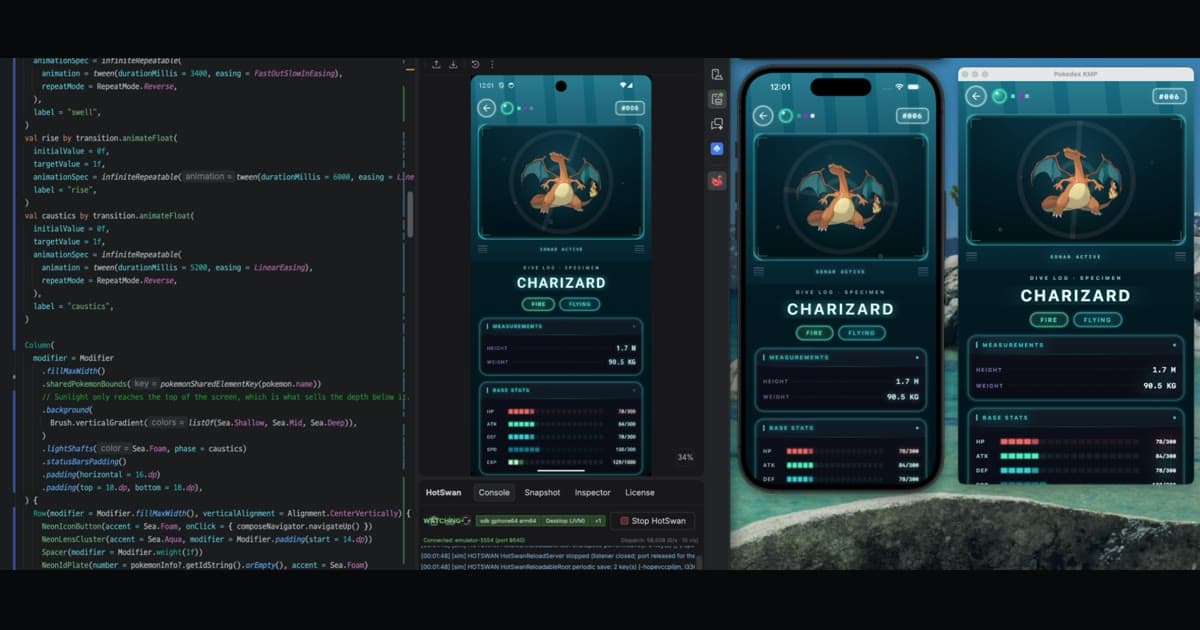
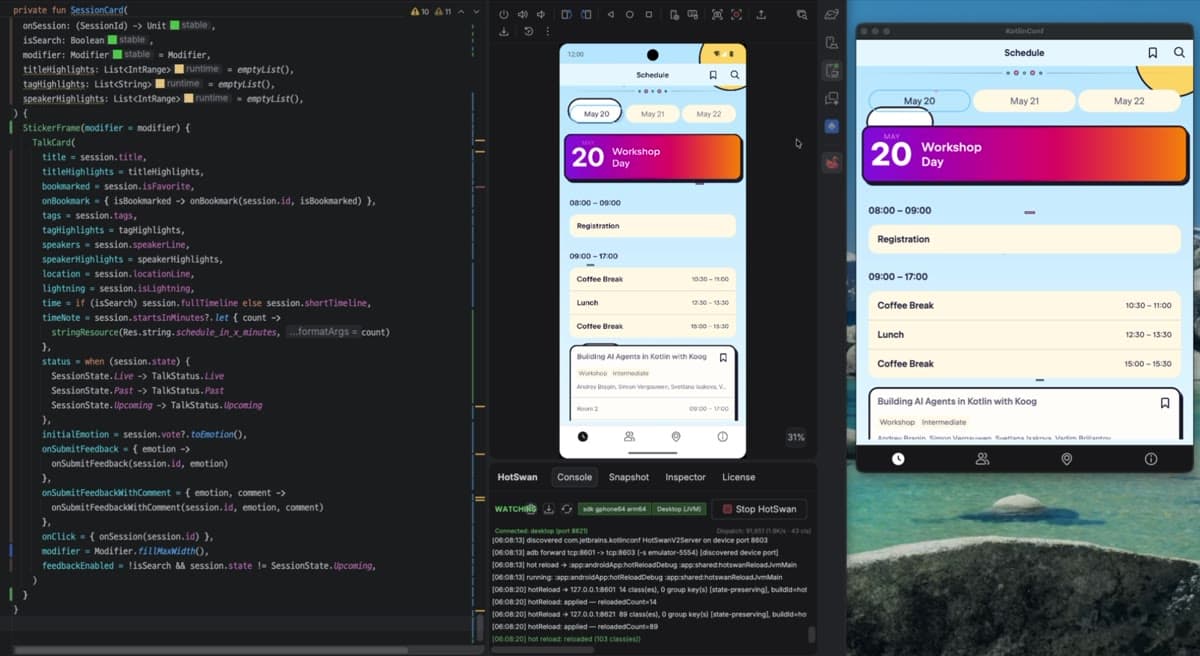
Tools like Compose HotSwan implement this approach for Jetpack Compose development. When you change a color, padding, font size, or text string, the new value appears on device in under 50 milliseconds. For changes that go beyond literal values (adding a function, changing control flow), the tool uses incremental compilation to swap only the changed classes on the running device, bypassing packaging and installation entirely.
The key insight is that the build pipeline exists to produce an installable artifact, and for the most common iteration pattern (tweaking values and seeing the result), a new artifact is not needed. For more details on how this works, see the How It Works documentation and the Literal Patching docs.
Conclusion
In this article, you have traced the full path from a one line code change to running pixels on a device. You have seen how Gradle's task graph provides the first layer of incrementality, how the Kotlin compiler distinguishes ABI changes from implementation changes, how annotation processing with KAPT and KSP differs in both speed and incrementality, how D8 incrementally dexes changed classes, and how AAPT2 handles resource compilation. You have also seen where the time actually goes: compilation is often not the bottleneck. Installation and manual navigation dominate the iteration cycle for small changes.
Understanding these internals helps you make better decisions about project structure, module boundaries, and build configuration. Moving from KAPT to KSP, enabling Gradle configuration cache, and structuring modules to minimize ABI cascades are concrete steps that reduce build times. But the deeper insight is that the entire pipeline exists to produce an installable artifact, and for many iteration patterns, you do not need a new artifact at all.
Whether you are tuning a design system, iterating on layout proportions, or experimenting with color palettes, the build pipeline was not designed for the speed you need. Knowing where the time goes is the first step toward not spending it.
As always, happy coding!