Compose HotSwan Blog
From ViewModel to Pixels: Hot Reloading Compose Side Effects in One Loop

May 10, 2026 · 8 min read
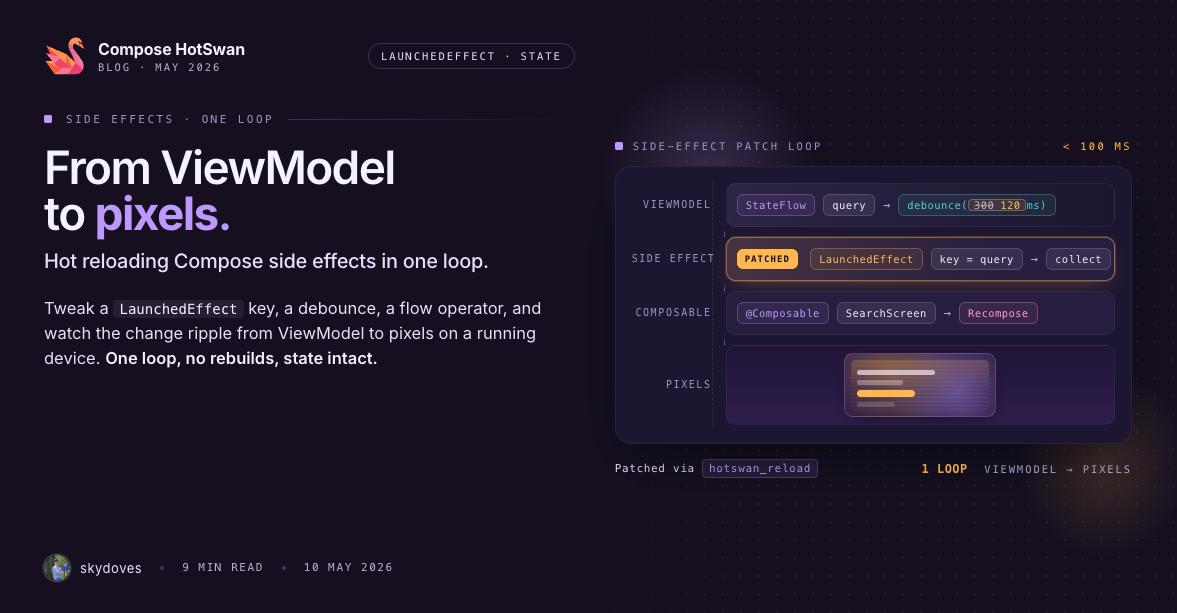
Compose splits your code into two halves: the composable description of UI, and the side effects that bridge it to the outside world. Effects are how a screen tells the system "show this toast", "fetch this page of data", "subscribe to this lifecycle event", or "scroll to this index when the list changes". Side effects in Compose are deliberately keyed: a LaunchedEffect only fires when the keys you pass it change, and a DisposableEffect only tears down and re-runs under the same condition.
That keying behavior is what makes effects predictable in production and miserable to iterate on in development. Testing a single change to an effect body or key means rebuilding, watching the app restart, navigating back to the right screen, and re-creating the upstream state that triggers the effect, just to look at the result for one second before deciding whether to do it again. Unlike a visual tweak, you cannot short-circuit a side effect with a debug button: you need the real state, on the real screen, with the real navigation back stack intact.
With Compose hot reload, you stay on that screen. You change the value, the key, or the body of the effect, save, and the effect re-runs on the next composition while ViewModel state, navigation, and surrounding remember {} all stay intact. And the loop being collapsed is not only the visual one: the same in-place edit covers the call into your ViewModel, the repository response that comes back, the data flowing through the effect, and the pixels it ends up on. You are tuning the path from business logic to UI live, which makes "Compose hot reload" feel a little undersized once you actually use it on side-effect code.
In this article, you will walk through two real examples from Pokedex Compose that show this loop in practice.
What hot reload actually does to a LaunchedEffect
A LaunchedEffect in Compose is identified by the lexical position of its call site inside the composable body, plus the keys you pass to it. Every time the enclosing composable recomposes, Compose looks up the existing effect at that position and compares the keys against the previous run. If the keys are equal, the running coroutine is left alone. If they differ, the running coroutine is cancelled and a new one is launched with the current body.
When HotSwan applies a change to a composable that contains a LaunchedEffect, two useful things happen:
- If you changed the value of a key, the next recomposition sees a new key, cancels the prior coroutine, and launches the new body.
- If you changed only the body, the swapped class definition takes effect on the next composition. Any future re-launch (from a normal key change in the running app) executes the new body.
Both shapes of edit work without restarting the app. The composable, the ViewModel that owns the upstream state, and everything else around the effect stay alive across the reload.
Example 1: Toast on a value change
The simplest case: a value lives in remember {}, and a LaunchedEffect fires whenever that value changes. Here is the snippet from the Pokedex Compose detail screen, sitting just above the pokemon stats:
@Composable
fun PokedexDetails(/* ... */) {
  // ...
  val context = LocalContext.current
  val name2 by remember { mutableStateOf("hellooooo123!!!!") }

  Text(text = name2)

  LaunchedEffect(name2) {
    Toast.makeText(context, name2, Toast.LENGTH_SHORT).show()
  }
  // ...
}
The name2 string is the key. Every time it changes, the effect cancels its prior launch and shows a fresh toast with the new value. Without hot reload, changing the toast text is a 30 second round trip: rebuild, relaunch, navigate into a pokemon detail page, and wait for the toast to flash.
With hot reload, you edit the string literal inside mutableStateOf(...), save, and the toast pops on device immediately, without touching navigation:
The Text(text = name2) line above also re-renders with the new string in the same pass, so you can see the visible text and the side effect update together. The detail screen's scroll position, shared element transition state, and ViewModel data are untouched.
This pattern generalizes. Any LaunchedEffect whose key is a value you can edit at the top of the composable, a user id, a route argument, a feature flag string, becomes tunable on a running device.
Example 2: ViewModel fetch on a key change
The realistic case: a LaunchedEffect drives data loading from a ViewModel. The PokedexHome composable has the canonical "fetch the next page of pokemon when the page index changes" pattern:
@Composable
fun PokedexHome(/* ... */) {
  val homeViewModel: HomeViewModel = hiltViewModel()

  val pokemonList = remember { mutableStateListOf<Pokemon>() }
  val page by remember { mutableIntStateOf(2) }

  LaunchedEffect(page) {
    homeViewModel.fetchNextPokemonList(page)
      .collect {
        pokemonList.clear()
        pokemonList.addAll(it)
      }
  }
  // ...
}
The flow inside HomeViewModel is a normal repository call:
@HiltViewModel
class HomeViewModel @Inject constructor(
  private val homeRepository: HomeRepository,
) : ViewModel() {

  fun fetchNextPokemonList(page: Int): Flow<List<Pokemon>> {
    return homeRepository.fetchPokemonList(
      page = page,
      onStart = { uiState.tryEmit(HomeUiState.Loading) },
      onComplete = { uiState.tryEmit(HomeUiState.Idle) },
      onLastPageReached = { isLastPageReached = true },
      onError = { uiState.tryEmit(HomeUiState.Error(it)) },
    )
  }
}
Iterating on this without hot reload is slow for a specific reason: the test you actually want to run is "what does the grid look like when the next page comes in", and the only way to reach that state from a fresh launch is to scroll until the trigger fires. Every rebuild puts you back at the top of the list.
With hot reload, you change 2 to 5, save, and the effect cancels its prior collection, re-runs fetchNextPokemonList(5), clears the list, and re-fills it with the new page. You can also edit the body of the effect, swap clear() for an addAll-only append, add a debug log around the collect, change the merge strategy, and see each variation play out without a single restart:
A few things worth noting from the video:
- The ViewModel instance survives. The Hilt-injected
HomeViewModelis the same instance before and after the reload. AnyStateFlowvalues it holds are preserved. - The grid scroll position survives. The reload swaps the relevant class definitions and invalidates the affected scopes; it does not recreate the Activity or destroy the lazy layout's state.
- The change to
pagefeeds through the entire chain. The new key cancels the prior coroutine, the newfetchNextPokemonListis collected, the list mutation runs, and theLazyVerticalGridrenders the new contents on the very next frame.
Step back from the mechanics for a moment and notice what this actually unlocks. Hot reload is not just swapping a button color in place. It is exercising a real call into your ViewModel, watching that call hit your repository, watching the resulting Flow emit through the effect, and watching the data settle into a LazyVerticalGrid as rendered pixels, all on a running app, on the screen you care about, without a rebuild, without a reinstall, and without navigating back to where you were. The full journey from business logic to UI becomes a tunable surface in a single feedback loop.
At that point "Compose Hot Reload" starts to feel like a narrow label for what you are actually doing. The hot path covers the entire feedback loop a Compose feature lives inside, the ViewModel call shape, the repository response, the state propagation, and the resulting pixels, not just the composable that draws the final frame. What used to be a "rebuild and re-test the whole flow" task collapses into a live tuning surface for the feature as a whole.
The same pattern works for DisposableEffect and SideEffect
The two examples above use LaunchedEffect, but the reload behavior is identical for the rest of the Compose side effects family:
DisposableEffecttears down its prioronDispose {}, re-runs the body, and re-registers cleanup on the next composition when the body or keys change. Useful for editing a lifecycle observer registration, a sensor listener, or a broadcast receiver in place.SideEffectruns after every successful composition, so any edit to its body fires on the next recomposition automatically. Useful for quickly trying out an analytics call shape or a logging line without restarting.produceStateandderivedStateOffollow the same rules asLaunchedEffect: a key change re-runs the producer, a body change takes effect on the next re-run.
Why the surrounding state survives
The reason iterating on side effects is so much faster with hot reload is not just that the rebuild step is gone. It is that the screen state you spent time setting up to trigger the effect, the navigation depth, the scroll position, the ViewModel data, the upstream user state, all of that survives.
HotSwan swaps the changed class definitions on the running process and invalidates the composable scopes that depend on them. The Activity is not recreated. The Composition tree is not torn down. SubcomposeLayout subcompositions are invalidated alongside the root composition so the new effect body reaches lazy lists and Scaffold slots on the same frame. The result is that you keep the exact testing context and only the intended part of the UI changes.
For a deeper look at what is preserved across a reload, see the State Preservation documentation.
Conclusion
Side effects are the part of Compose where the rebuild loop hurts most because they only fire under the right state, and the right state is exactly what a rebuild throws away. Hot reload removes that asymmetry. The effect re-runs on the next composition; the screen, the ViewModel, and the back stack stay where you left them.
The two examples in this article come straight out of Pokedex Compose and represent the two shapes you actually hit in real apps: "do something when this small piece of state changes", and "load more data when this paging key changes". Once those two shapes are sub-second on a real device, side-effect work stops feeling like a chore.
If you want to try this workflow on your own project, install Compose HotSwan and start tuning your effects in place.
As always, happy coding!
— Jaewoong (skydoves)
Recommended Reading
Compose HotSwan 2.0.0: The Future of Hot Reload on Android, iOS, and Desktop
10 min read
Desktop Hot Reload for Compose Multiplatform: One Save Updates Your Android Device and Desktop Window Together
9 min read
Compose HotSwan v2 Beta: Hot Reload for Structural Changes, Whole Screens, and Live AI Edits
10 min read