Documentation
Lifetime License
Compose HotSwan offers a lifetime license option through GitHub Sponsors. A one-time sponsorship of $200 or more grants you permanent access to all plugin features and a lifetime subscription to Dove Letter (Android & Kotlin newsletter). No recurring subscription, no expiration. Your license is verified through your GitHub account and stays active across all projects and IDE updates.
Overview
The lifetime license is available exclusively through GitHub Sponsors, separate from the JetBrains Marketplace subscriptions. It grants the same full access as a JetBrains Marketplace license, but with a single one-time payment and no expiration.
- One-time payment: $200 or more via GitHub Sponsors.
- No expiration: Your license never expires, regardless of future version updates.
- All projects: License is stored at the application level, shared across every project in your IDE.
What's included
One sponsorship, two lifetime benefits:

Compose HotSwan
Plugin Lifetime Access- ✓Hot reload and literal patching.
- ✓Preview runner and screenshot generation.
- ✓MCP server and AI agent integration.
- ✓All future updates included.

Dove Letter
Newsletter Lifetime Access- ✓52+ deep-dive articles on Android, Jetpack Compose, and Kotlin.
- ✓120+ interview Q&A and code tips.
- ✓92+ weekly newsletters with 1,847+ learning materials.
- ✓884+ subscribers. Learn more at doveletter.dev.
Both benefits are permanently tied to a single GitHub Sponsors one-time contribution of $200 or more.
How to sponsor
To get a lifetime license, you make a one-time sponsorship through GitHub Sponsors. Follow these steps:
Step 1: Go to the GitHub Sponsors page
Visit github.com/sponsors/skydoves and select the One-time tab. You will see the available one-time sponsorship tiers.
Step 2: Select the $200 tier or enter a custom amount
Scroll down and choose a tier of $200 or more, or enter a custom amount. Any one-time sponsorship at or above $200 qualifies for the lifetime license.
Step 3: Complete the sponsorship
Follow GitHub's payment flow to complete the sponsorship. After processing, your sponsor status will be visible on your GitHub profile. It may take a few minutes for GitHub to finalize the transaction.
Verification
After completing the sponsorship, you need to verify your lifetime license. This connects your GitHub account to the plugin and confirms your sponsor status.
Step 1: Open the plugin and click Verify Lifetime License
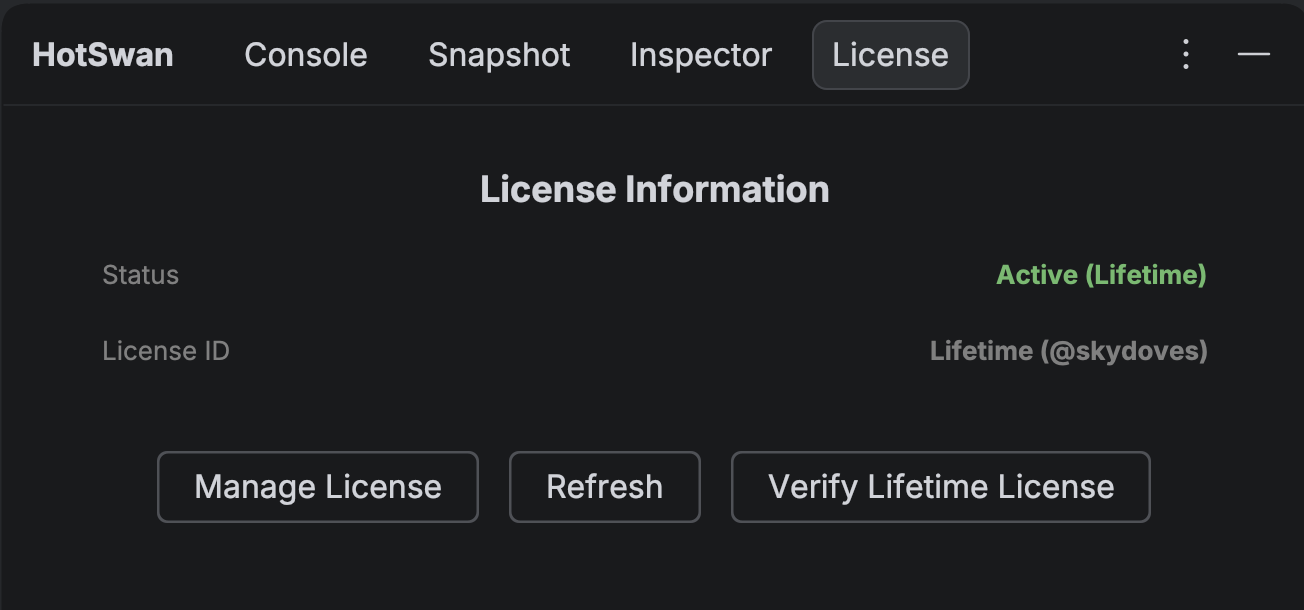
In your IDE, open the HotSwan tool window and go to the License tab. Click the Verify Lifetime License button. You can also find this button in the plugin Settings page or on the paywall screen.
Step 2: Sign in with GitHub
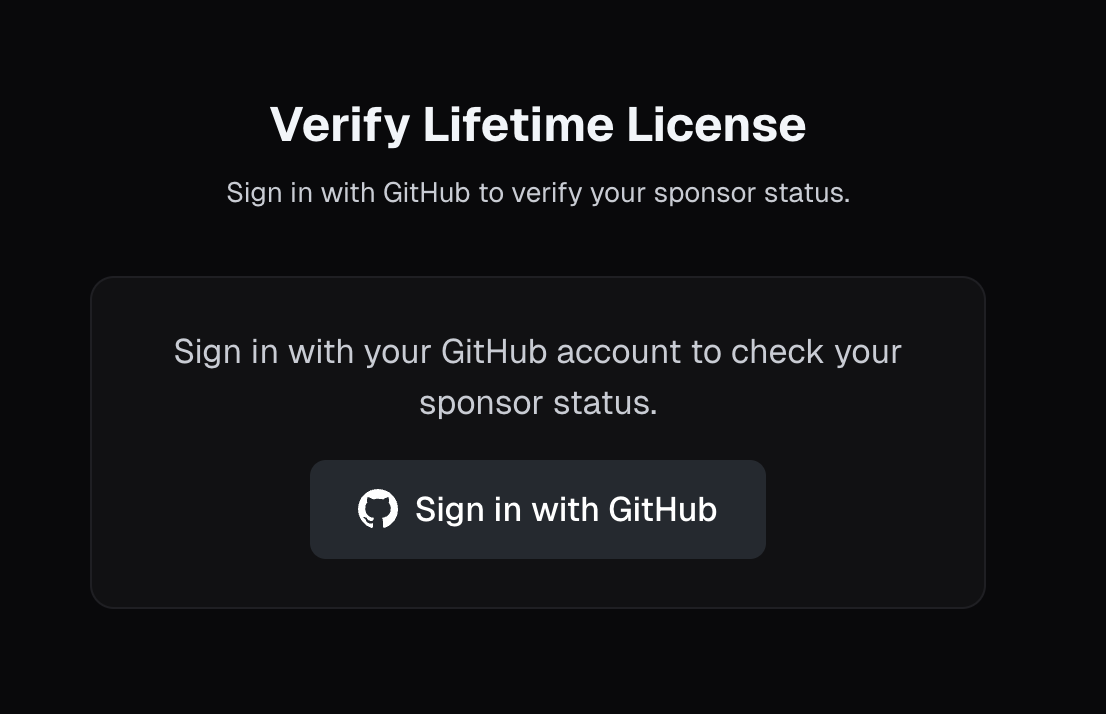
Your browser will open the verification page. Click Sign in with GitHub to authenticate with your GitHub account. This is the same account you used for the sponsorship.
Step 3: Verification completes on the web
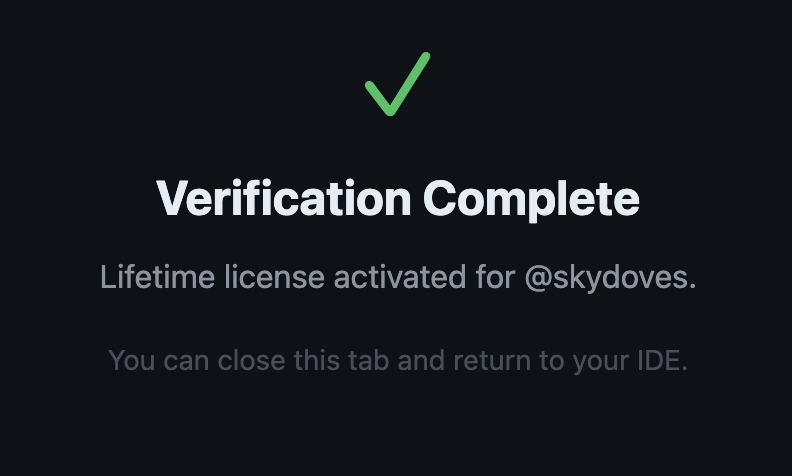
After signing in, the page automatically checks your sponsor status. If you have a qualifying one-time sponsorship of $200 or more, the page shows a green checkmark and redirects back to your IDE.
Step 4: Plugin confirms activation
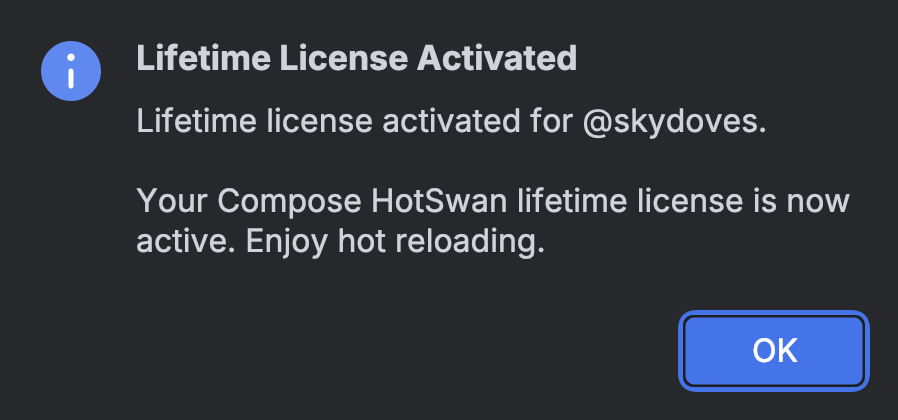
Back in your IDE, a dialog confirms that your lifetime license has been activated. The License tab will show Active (Lifetime) as the status and Lifetime (@yourusername) as the license ID.
Step 5: Restart your IDE
For the license changes to take full effect, restart your IDE. After restarting, all HotSwan features will be unlocked across every project you open. You do not need to verify again.
Receipt
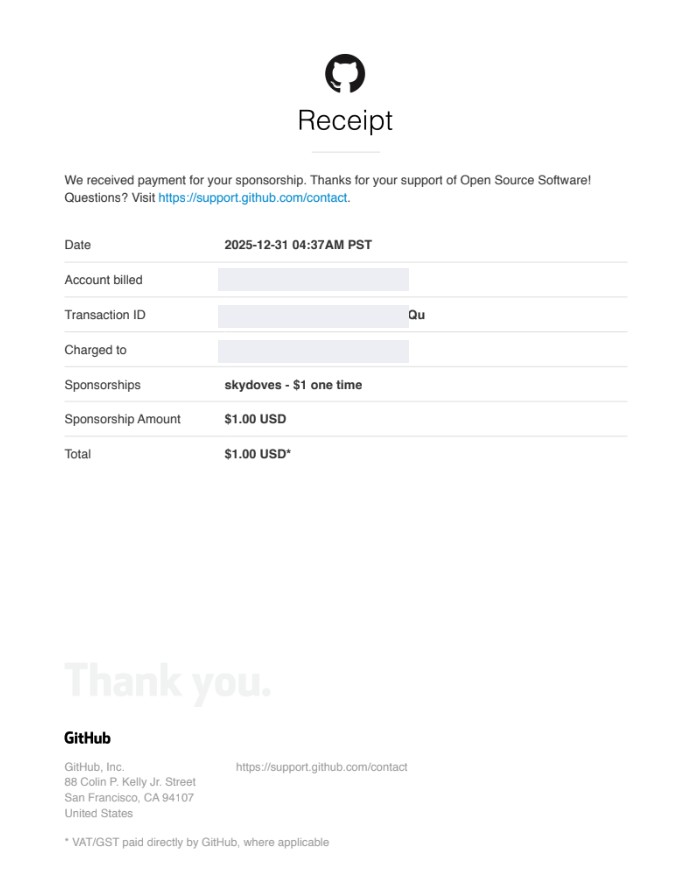
Once you become a sponsor, you will receive a receipt from GitHub that can be used for expense verification or reimbursement through your company or organization.